View Categories

How to create sections, sunbeds and how to reserve them in Spoonbill PMS.

1 min read

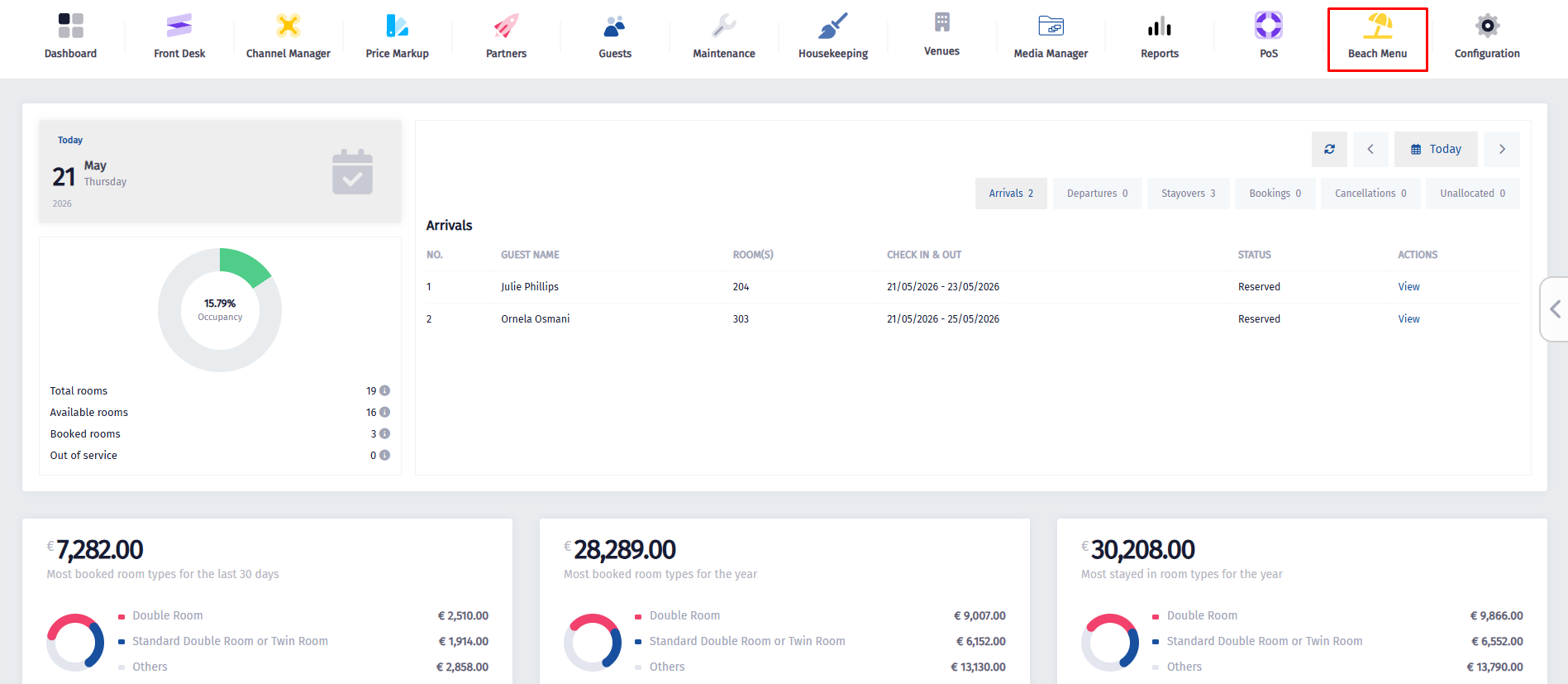
  • Click on the Beach Menu icon.


  • Once the dropdown menu appears, click on Sections.
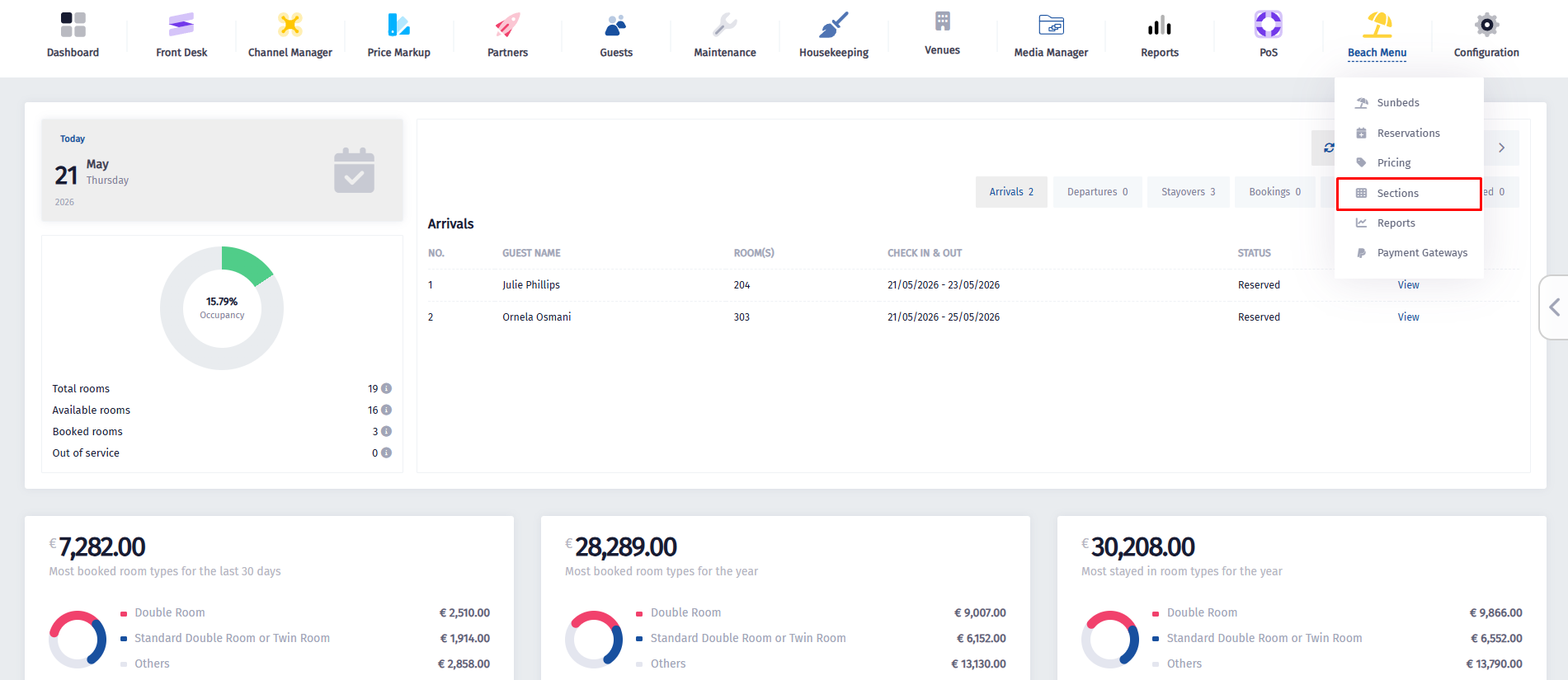


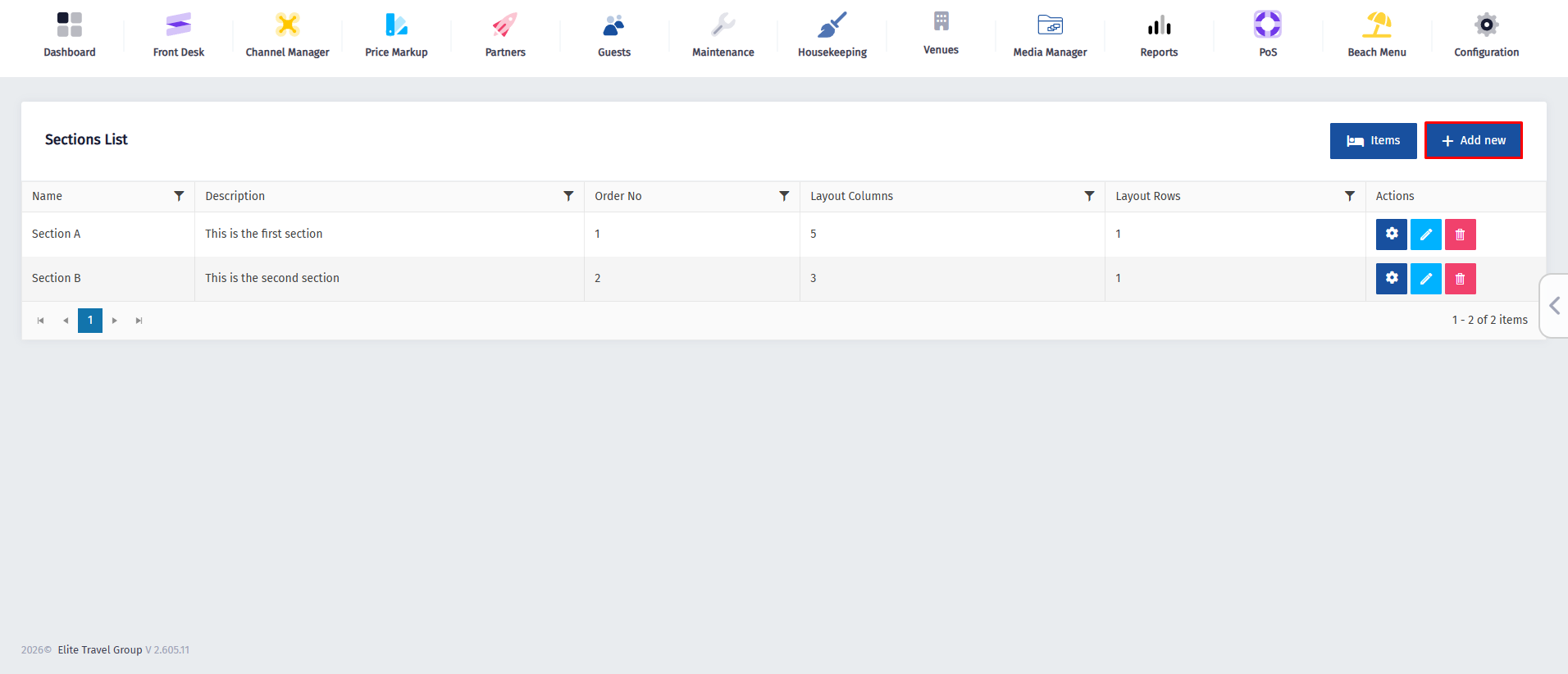
  • On this page, you can create both sections and sunbeds. First, you need to create a section, so click the Add New button.


  • Fill in all of the necessary information like : Name, Order, Colums and Rows and then click on Create.
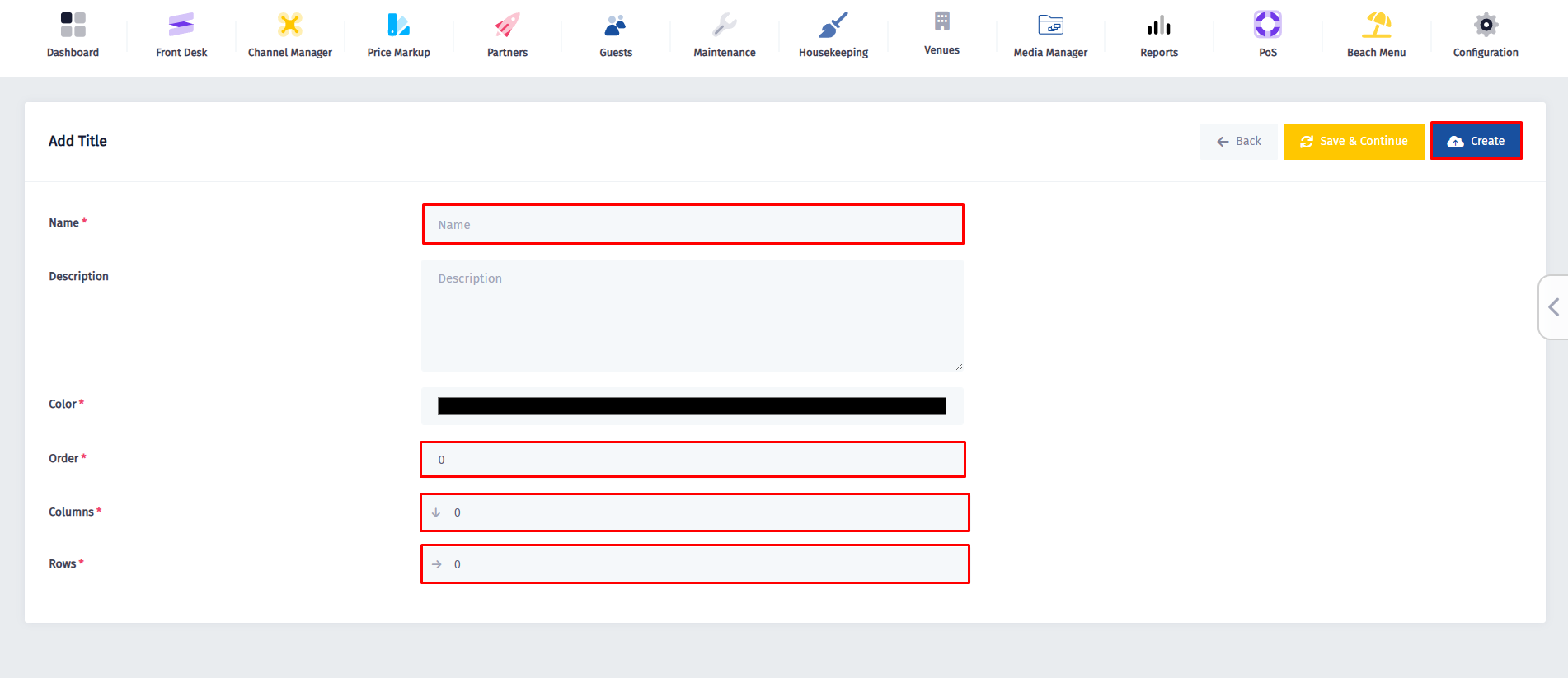


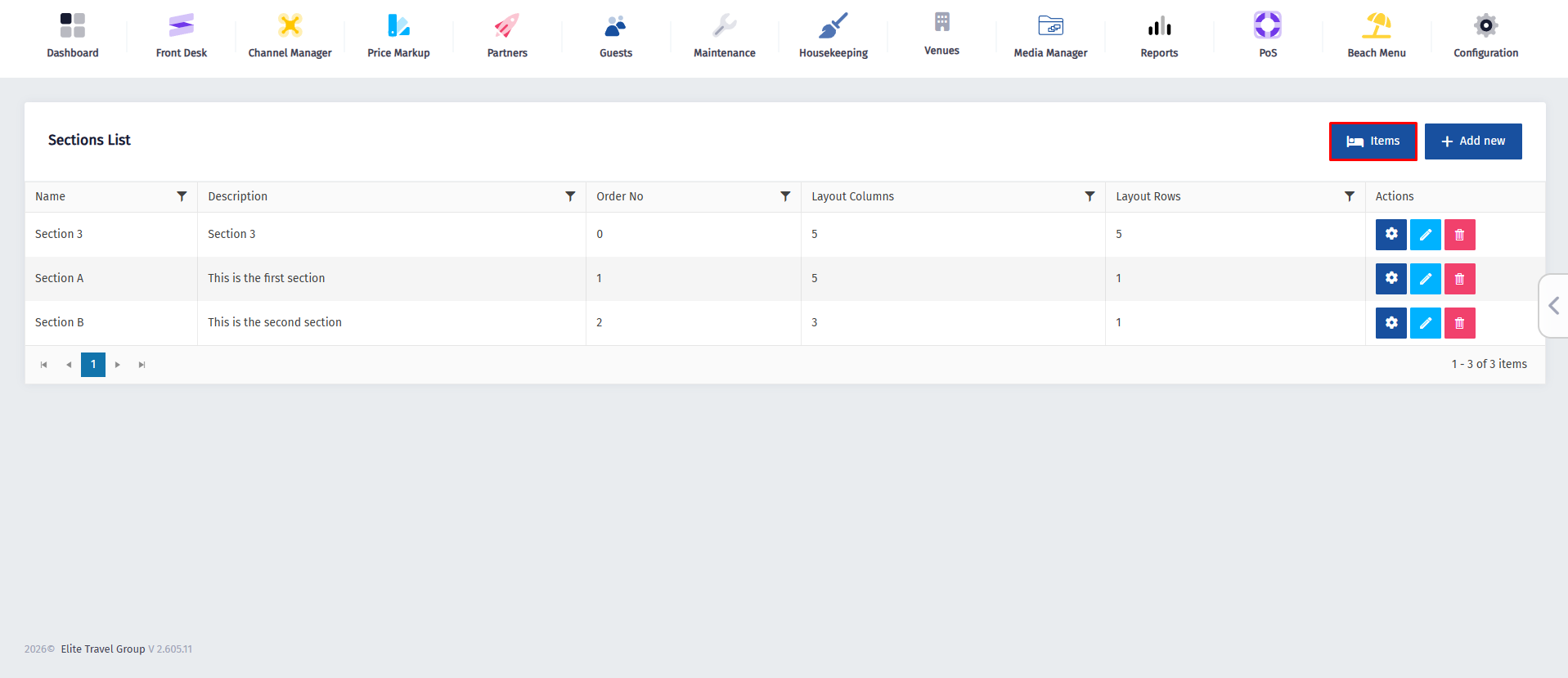
  • After clicking Create, you will be redirected to the Sections page. From there, click the Items button to access the items list, where you can view existing items and add new ones.


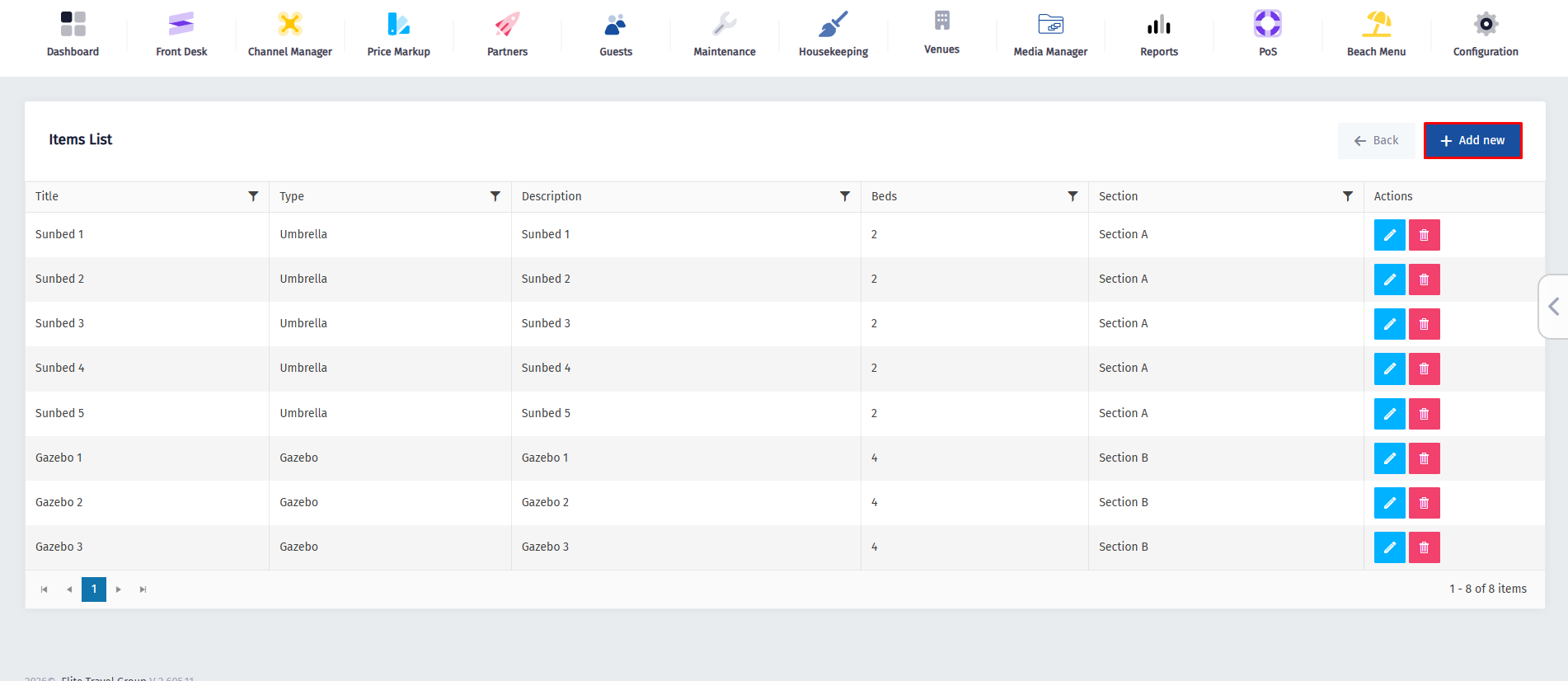
  • Now click on the Add New button.


  • Complete the form by entering the sunbed details, including the name and the number of adults allowed. Then, use the Type dropdown to choose the item type and the Section dropdown to assign the sunbed to the correct section. After all required fields are filled in, click Create to add the item successfully.
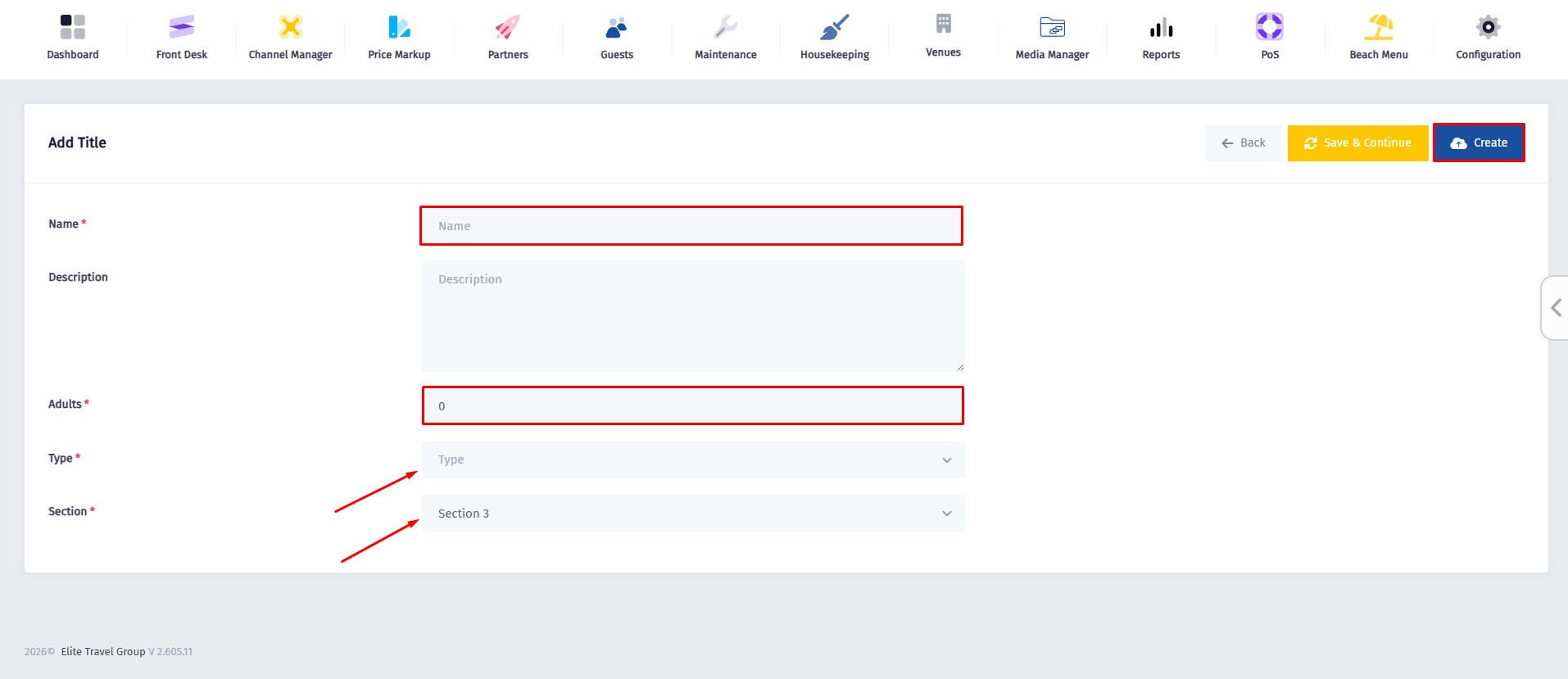
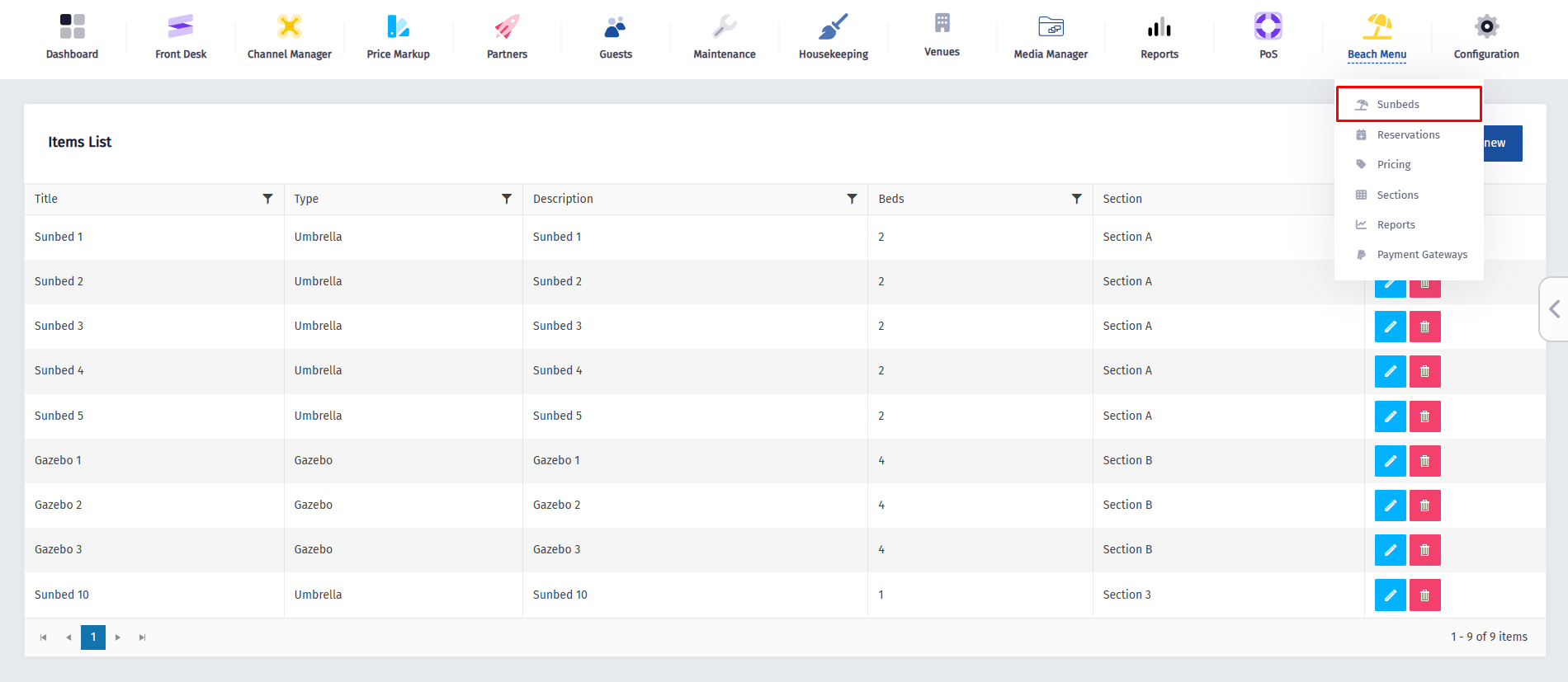


  • By completing these steps, you have successfully created a sunbed and assigned it to a section. Next, we will learn how to reserve the sunbed you just created. To begin, click on the Beach Menu icon and, from the dropdown menu, select the Sunbeds section.


  • Once you’ve been redirected to this page, click on the Sunbed you just created (in this case Sunbed 10).
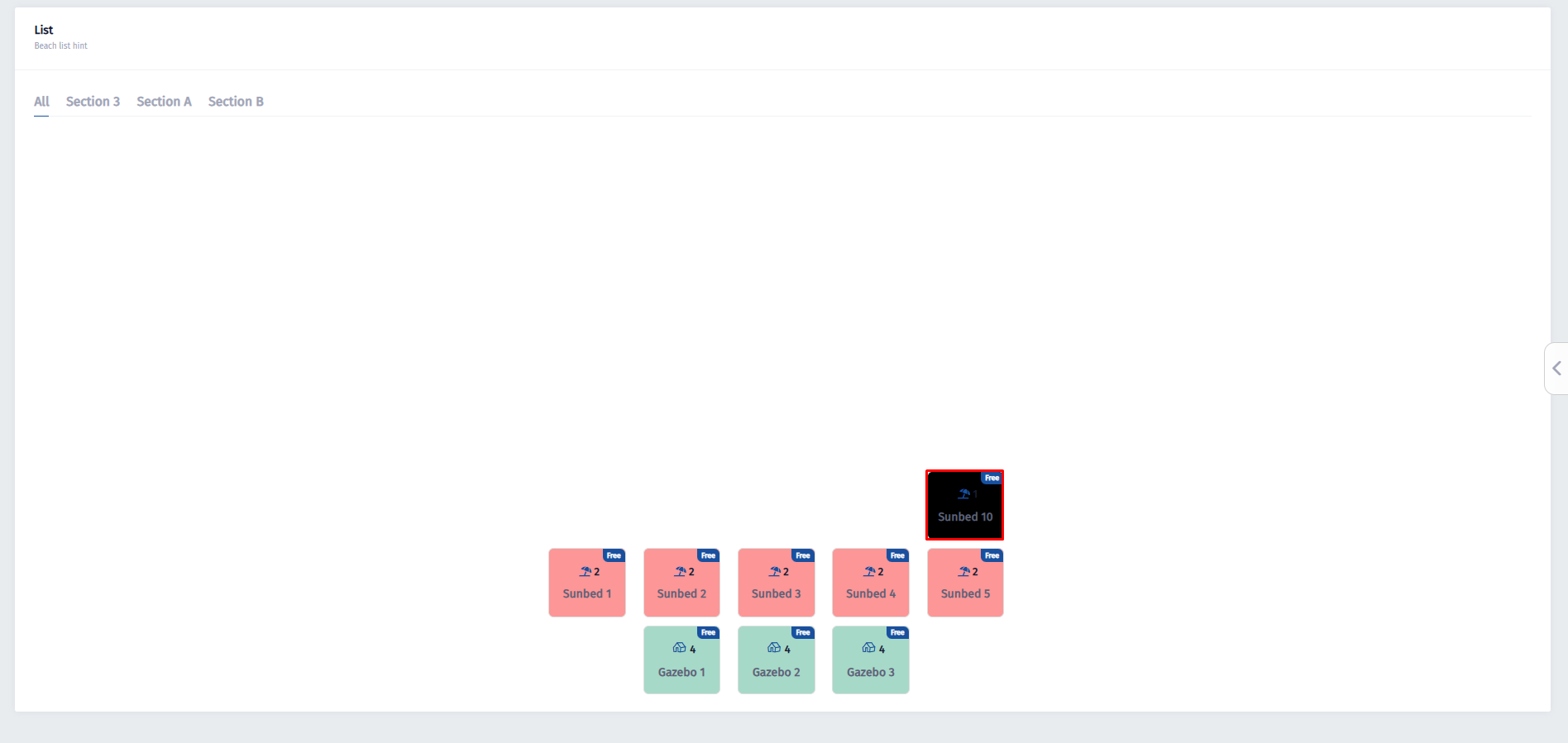
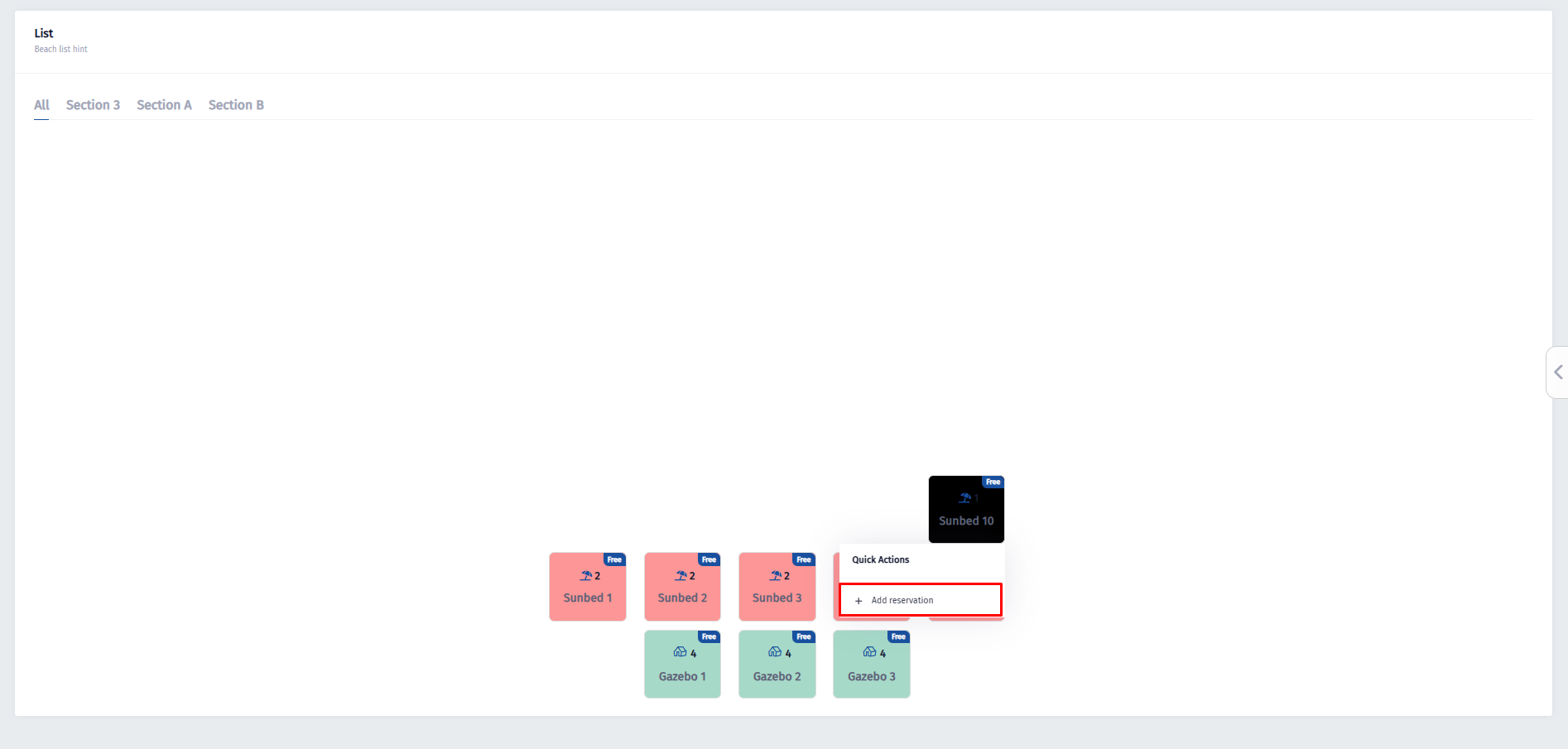


  • Once you click on it, the Add Reservation button will appear. Click the button to begin creating a new reservation.

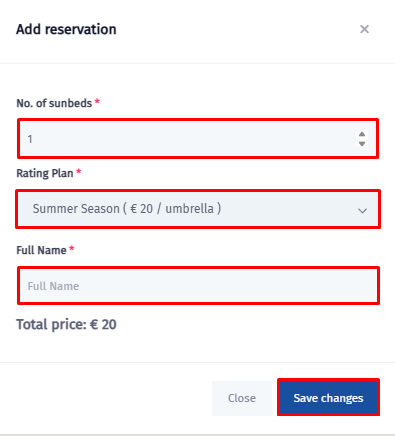
  • In the reservation window, enter the number of sunbeds, select the appropriate Rating Plan from the dropdown menu, and fill in the guest’s full name. The total price will be calculated automatically. Once all information is entered, click Save Changes to confirm the reservation.


Powered by BetterDocs

Leave a Reply

Adresa juaj email s’do të bëhet publike. Fushat e domosdoshme janë shënuar me një *

© 2025 Spoonbill PMS. Powered by Elite Travel Group