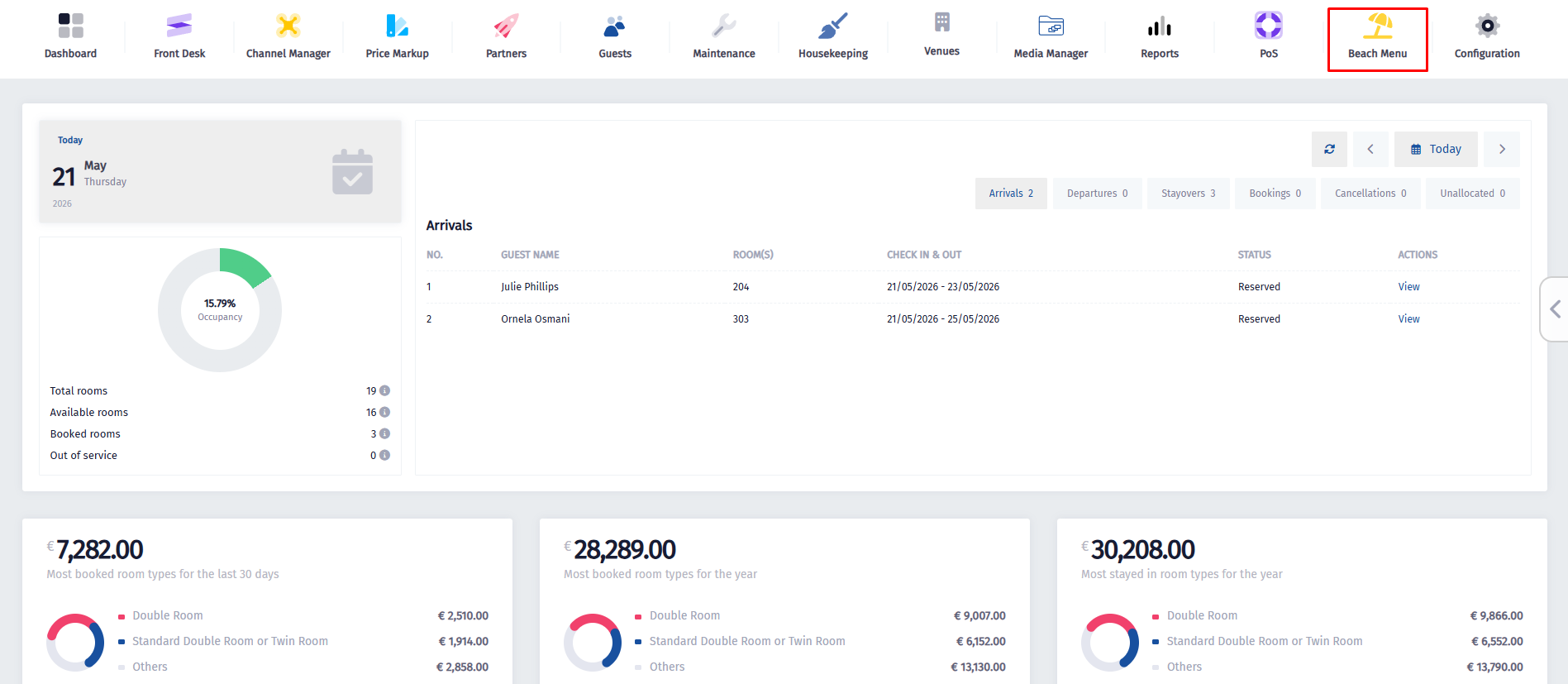
- Click on the Beach Menu icon.
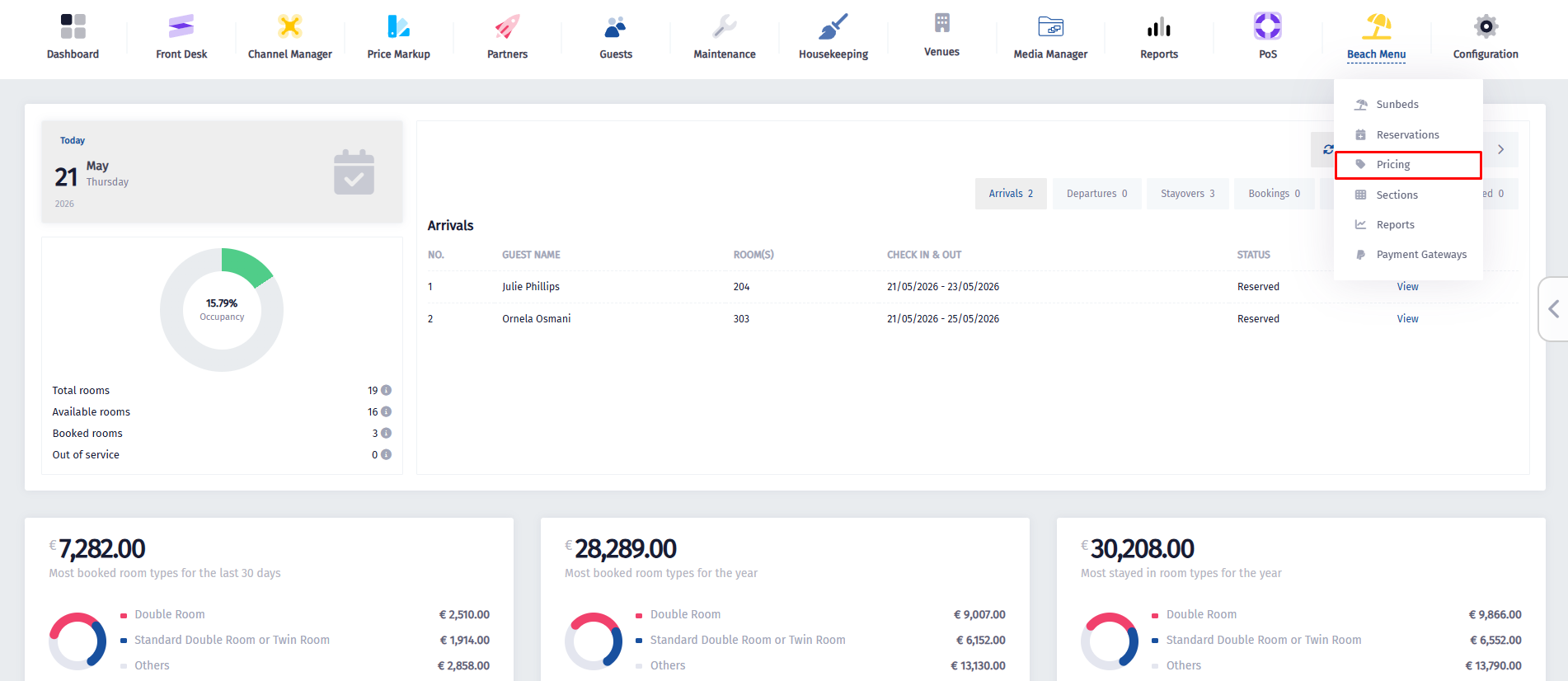
- Once the dropdown menu appears, click on Pricing.
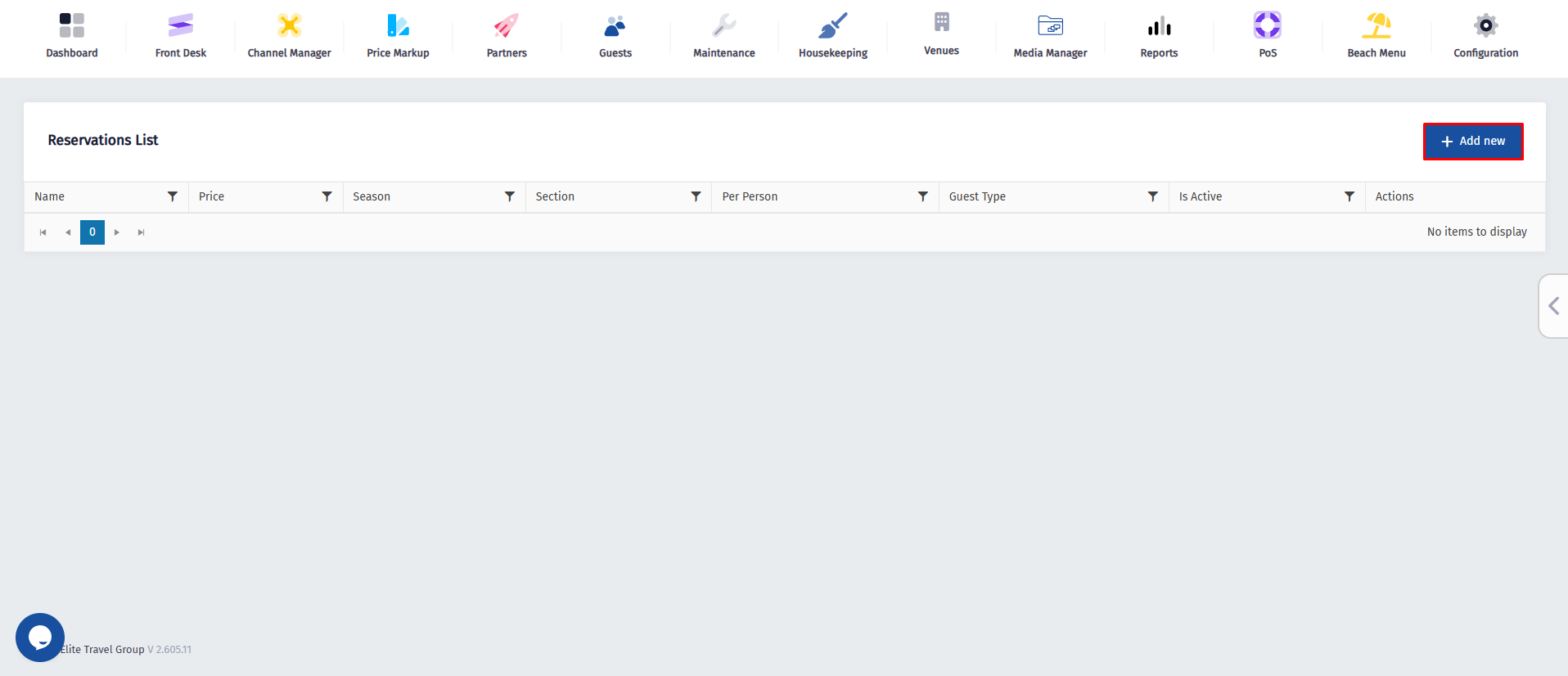
- Once you’ve been redirected to this page, click on Add New.
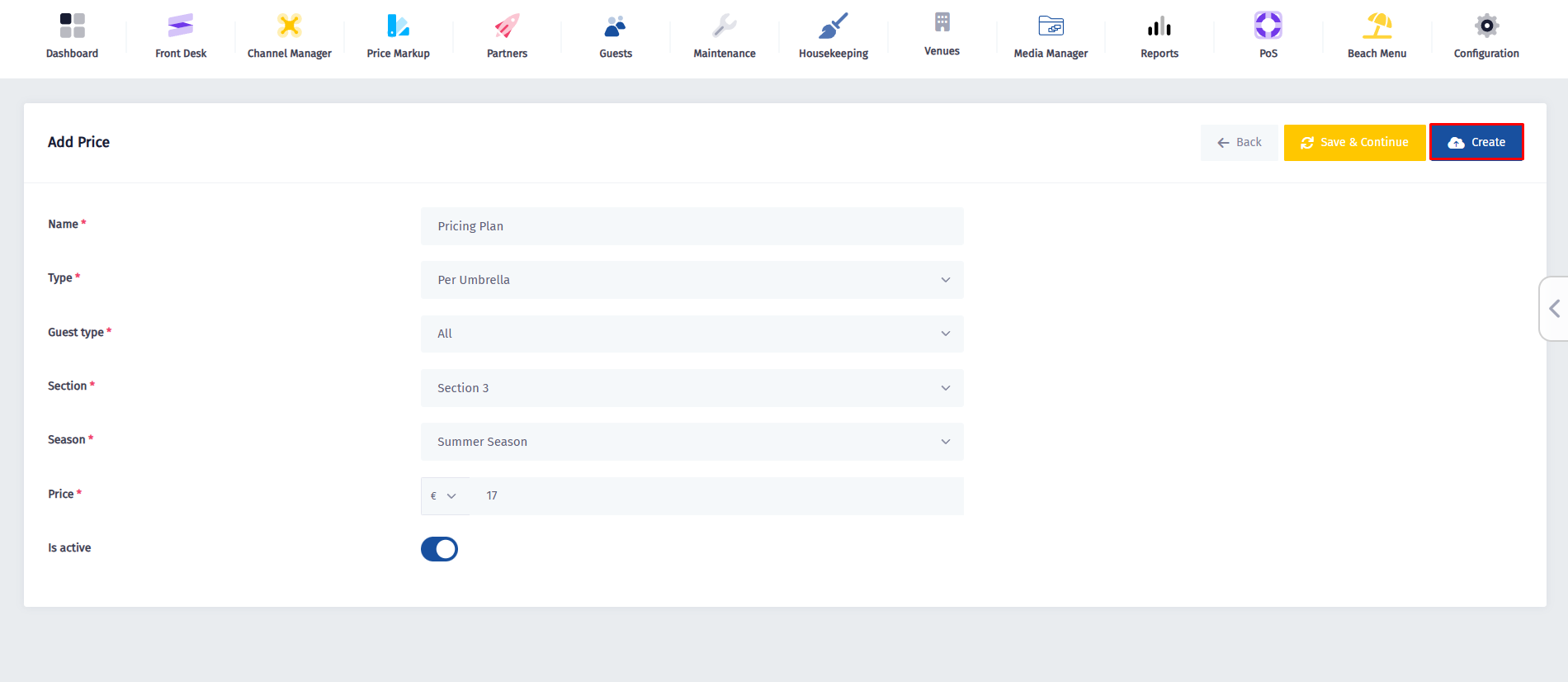
- Fill in the rating plan details carefully by entering a name for the plan, selecting the appropriate price type and guest type, and assigning it to the correct section where it will apply. Then choose the relevant season for this pricing structure and set the price, making sure to select the correct currency if needed. Once all fields are completed, toggle the Is Active switch on.
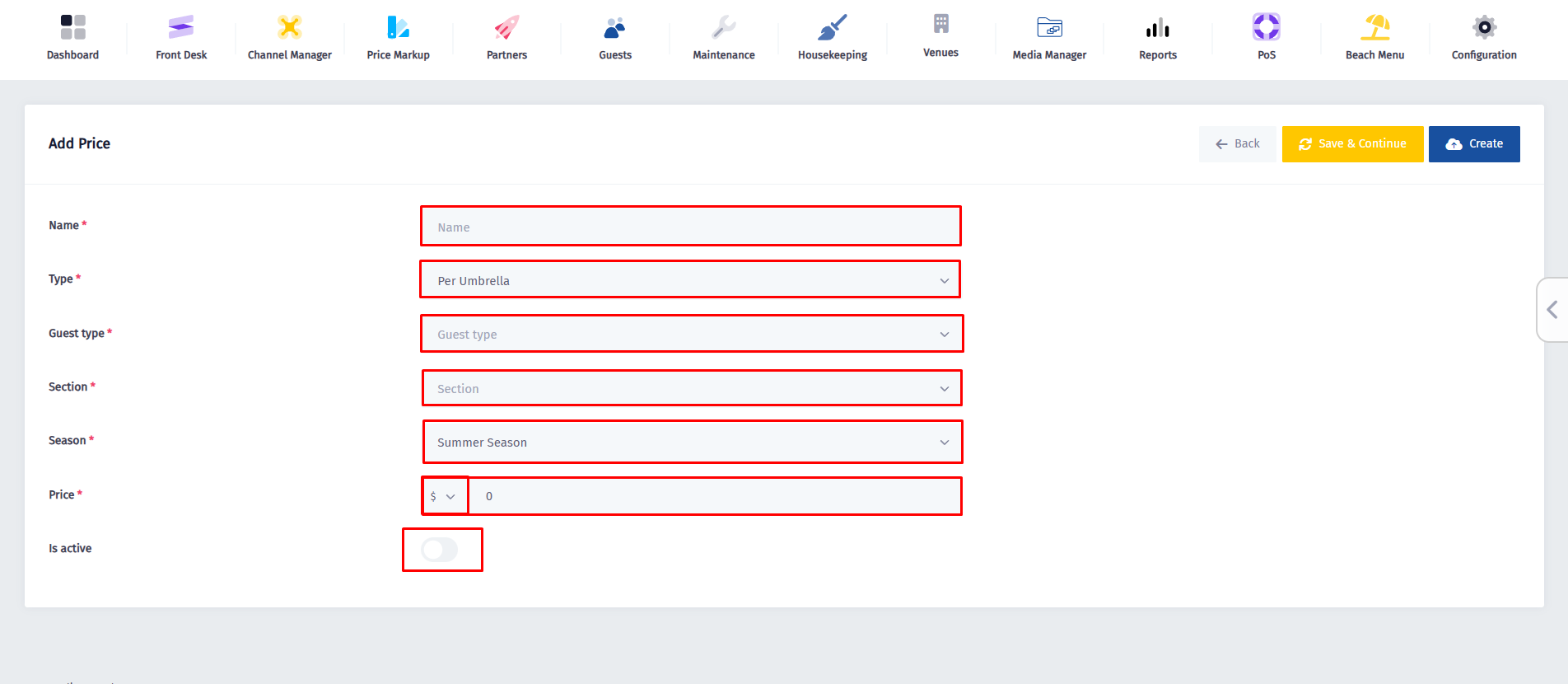
- And for the final step, click on Create.