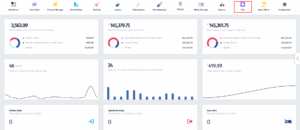
- Click on the PoS icon.
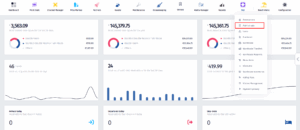
- Once the dropdown appears, click on Point of Sale.
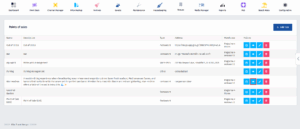
- After you’ve been redirected to this page, find the PoS you’re looking for and click on the View Details button.
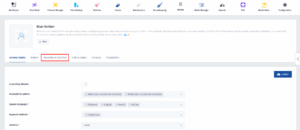
- Once you’re here, click on Amenities & Facilities.
- In this page you can view and edit the amenities and facilities.
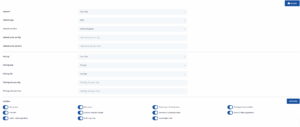
- In case you want to Add another Facility, click on the Add Facility button.
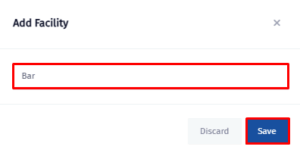
- Once you do that, this will pop up. Write the name of the facility and click on the Save button.
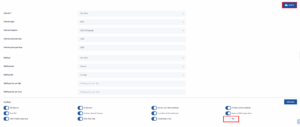
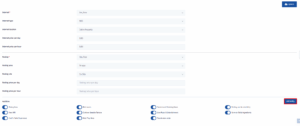
- Make sure to turn the switch on and then click on Update.