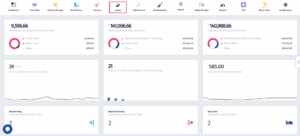
- Click on the Guests icon.
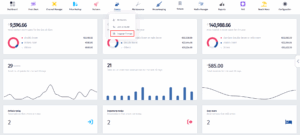
- Once the dropdown menu appears, click on Luggage Storage.
- Once you’ve been redirected to this page, click on the Status filter.
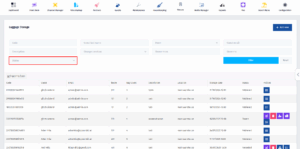
- When the dropdown menu appears, click on Stored.
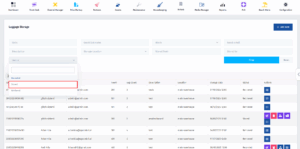
- After that, click on the Filter button.
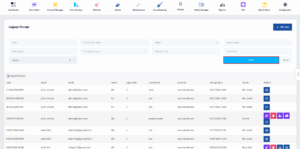
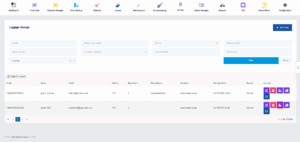
- Once you’ve applied the filters, find the stored luggage that you want to generate a ticket for and click on the Print Tag button.