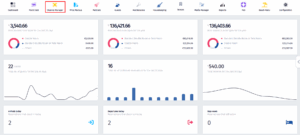
- Click on the Channel Manager icon.
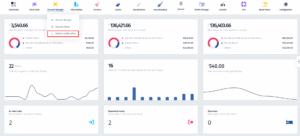
- Once the dropdown menu appears, click on Website Configuration.
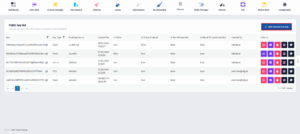
- Once you’ve been redirected to this page, click on Add reservation key.
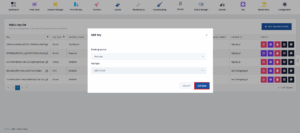
- Once this menu pops up, click on the Booking Source.
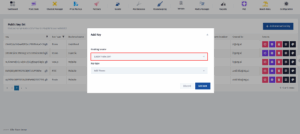
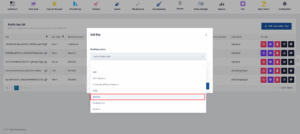
- Ocne the dropdown menu appears, scroll down until you find the Website Booking Source and click on it.
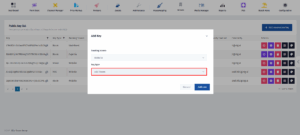
- Now click on Key Type.
- After the dropdown menu appears, click on Add Room.
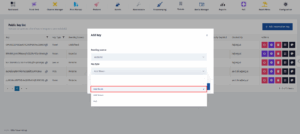
- Click on Add new.
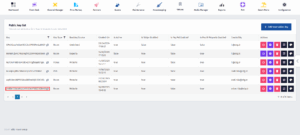
- Once you do that, you will be redirected to the previous page. Here you will be able to copy the website link.