
In Spoonbill PMS, you can register a Partner as a Supplier to connect them with your PoS. This tutorial will show you how to do it step by step.
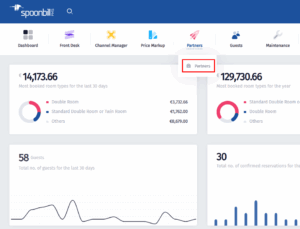
- First you need to click on Partners.
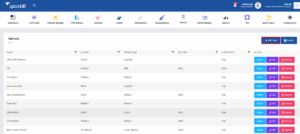
- Click on Add New.
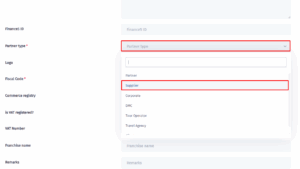
- On the Partner Type dropdown menu, click on Supplier.
- Now you can continue entering information about the Supplier just like any other Partner. We also have a seperate tutorial for that on our Help Center.