- Click on the PoS icon.

- Once the dropdown menu appears, click on Warehouse Requests.

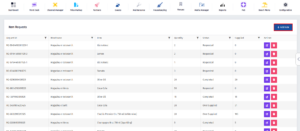
- Once you’ve been redirected to this page, click on Add New.
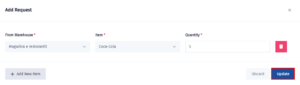
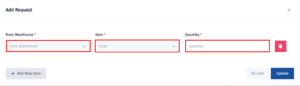
- Select the source warehouse, choose the item and enter the required quantity.
- Click on Update to submit the request.