- Click on the PoS icon.

- Once the dropdown menu appears, click on Payment Gateway.

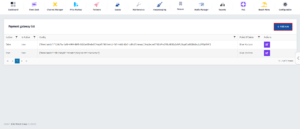
- After being redirected to this page, click on Add New.
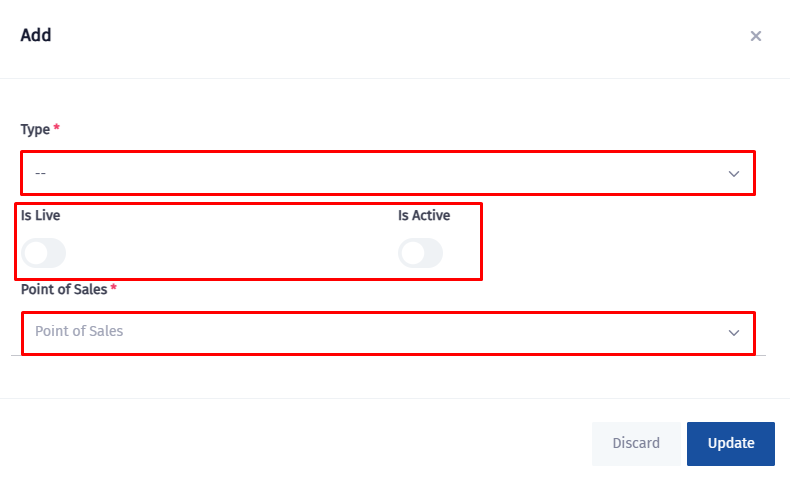
- Select the POS type, set whether it is live and active and choose the related point of sale.
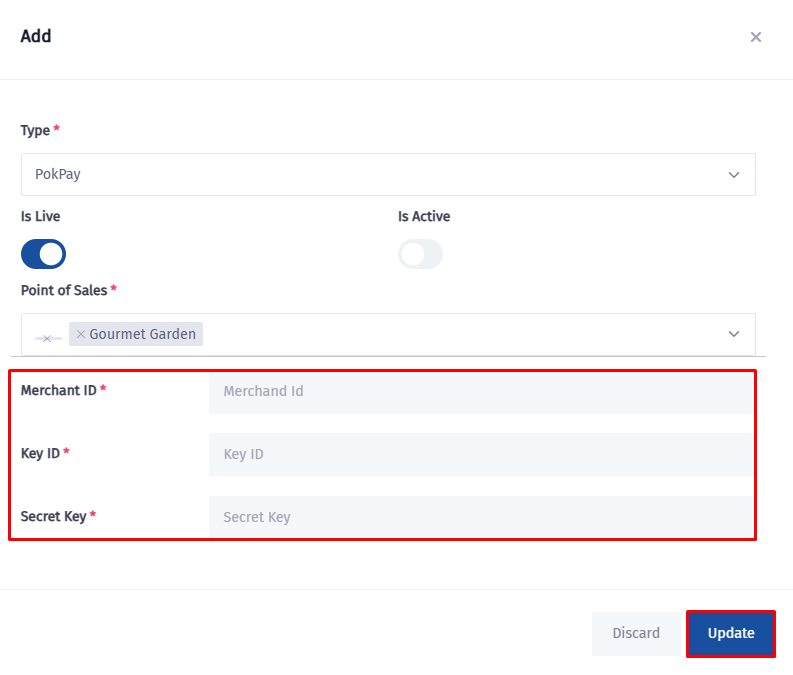
- Fill in the Merchant ID, Key ID, Secret Key and click on Update.