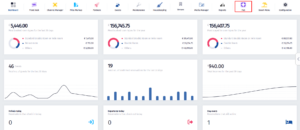
- Click on the PoS icon.
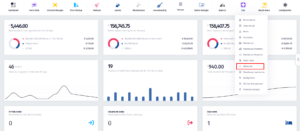
- Once the dropdown menu appears, click on Discounts.
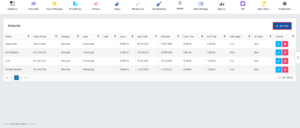
- After you’ve been redirected to this page, click on Add New.
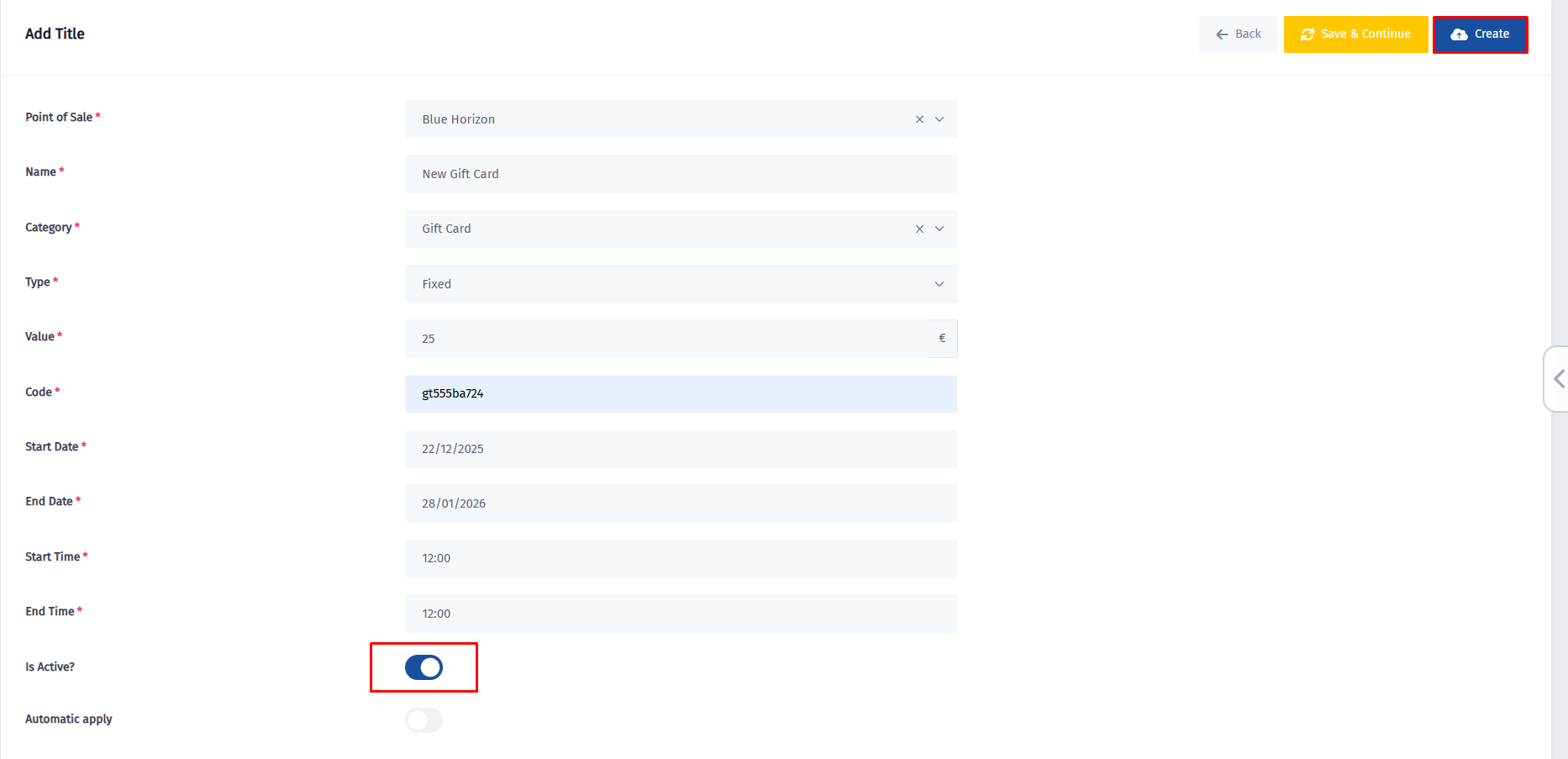
- Here are all the fields where you need to fill in the information, but first you need to choose the category.
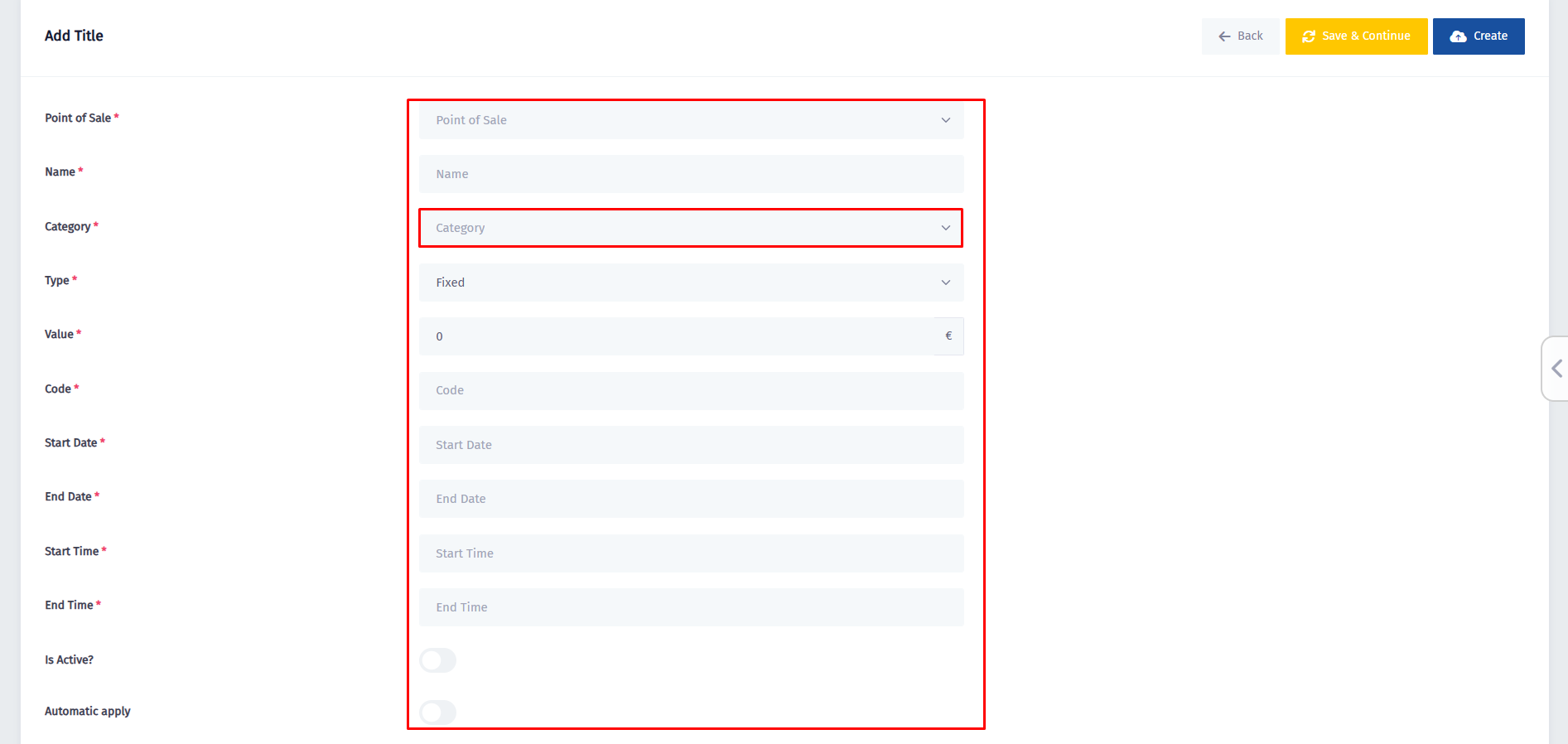
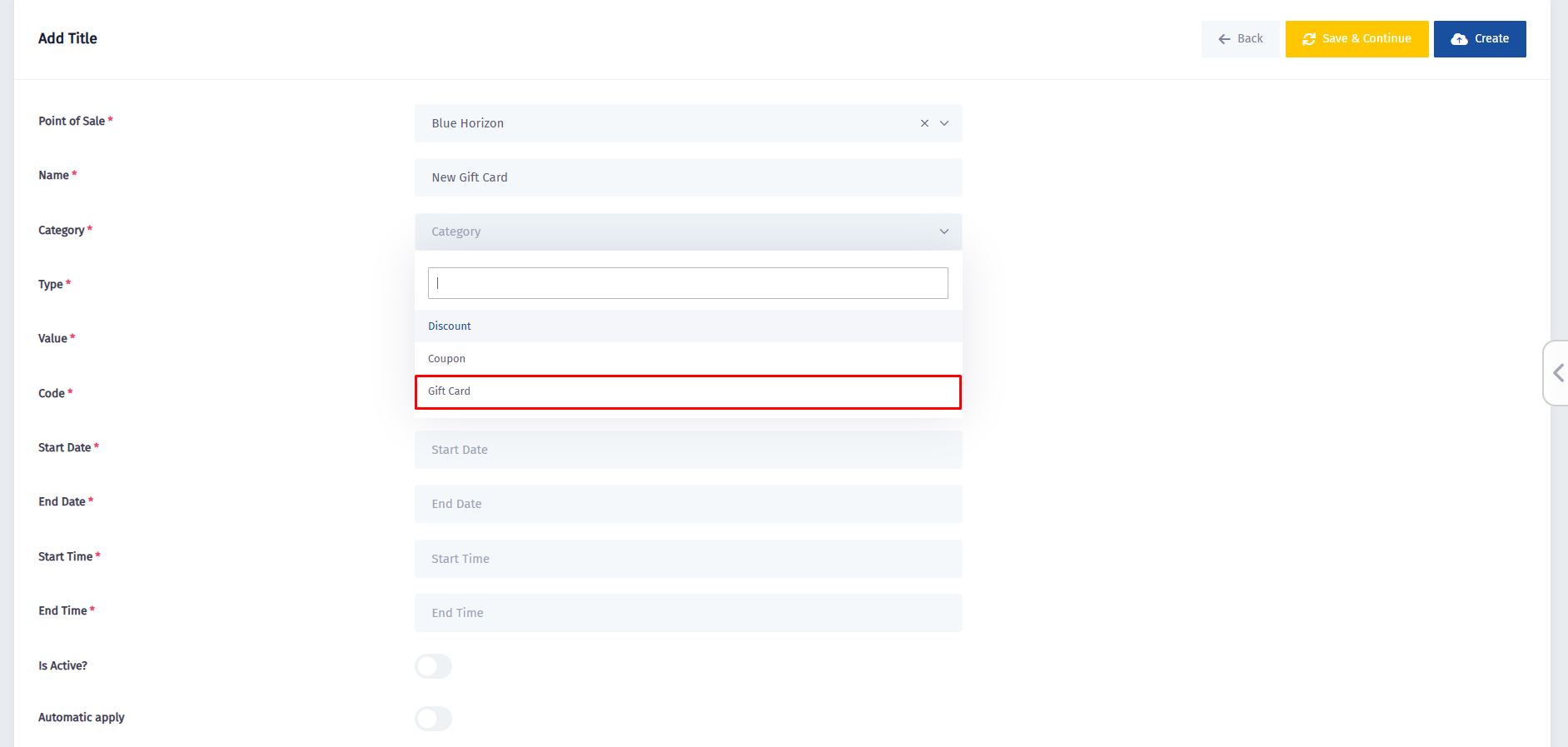
- Click on the Category field, and once the dropdown menu appears, click on Gift Card.
- After filling in all of the information, make sure to turn the Is Active? switch on and then click on Create.