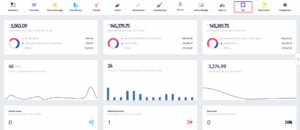
- Click on the PoS icon.
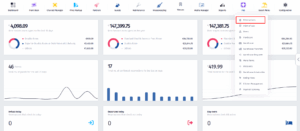
- Once the dropdown menu appears, click on Reservations.
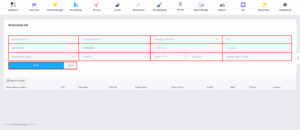
- On this page, you can filter reservations using the fields at the top. Enter any details you want to search by — such as reservation number, guest last name, booking reference, POS, dates, status, partner, guest count, or group code. After filling in the filters, click Filter to show matching reservations, or Reset to clear all fields.