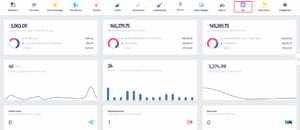
- Click on the PoS icon.
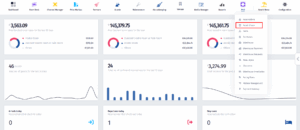
- Once the dropdown appears, click on Point of Sale.
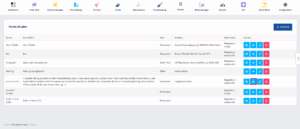
- After you’ve been redirected to this page, find the PoS whose general details you want to fill in and click on the View Details button.
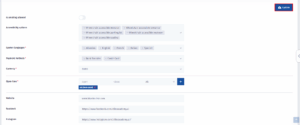
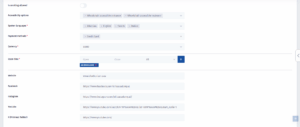
- After you’ve done that, you’ll be redirected to this page. Scroll down and you’ll find the fields where the information needs to be filled in.
- Once you’ve successfully filled in all of the information, click on the Update button.