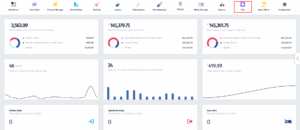
- Click on the PoS icon.
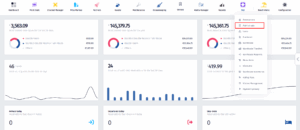
- Once the dropdown appears, click on Point of Sale.
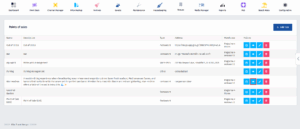
- After you’ve been redirected to this page, find the PoS you’re looking for and click on the View Details button.
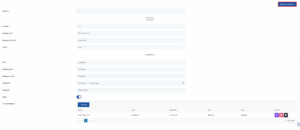
- Once you’re in this page, click on Fiscalization.
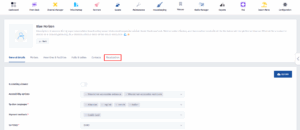
- Enter the required business unit and authentication information (VAT rate, unit code, NIUS, software code, certificate, password, etc.). Check that the Active switch is on. Manage tax cash registers if needed, and then click Save & Continue.