
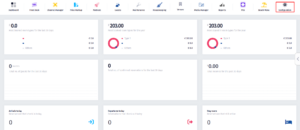
- Click on the Configurations icon.
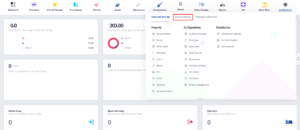
- Now click on System Settings.
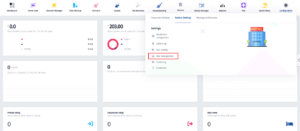
- Now click on User Management.
- Once you locate the user, click on the Roles button.
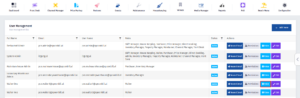
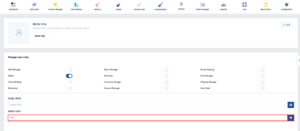
- Locate the Waiter Code, click on it and change it. After doing that, click on the Save button.
< 1 min read
Powered by BetterDocs