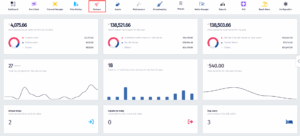
- Click on the Partners icon.
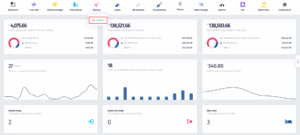
- Once the dropdown menu appears, click on Partners.
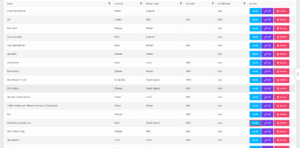
- Once you’ve been redirected to this page, click on the Details button on the partner of your choice.
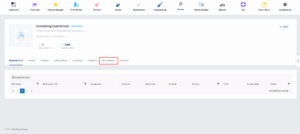
- After you’ve been redirected to this page, click on Bank Details.
- Now click on Add new.
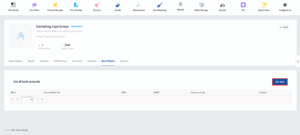
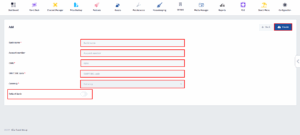
- Fill in all of the mandatory information, make sure to turn the Default bank switch on and then click on Create.