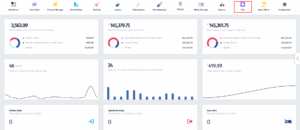
- Click on the PoS icon.
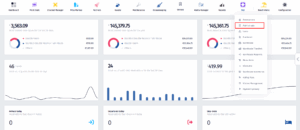
- Once the dropdown appears, click on Point of Sale.
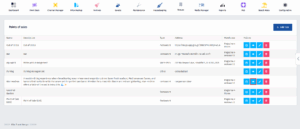
- After you’ve been redirected to this page, find the PoS you’re looking for and click on the View Details button.
- Once you’re in this page, click on Fiscalization.
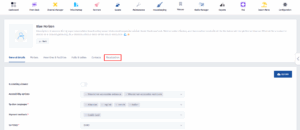
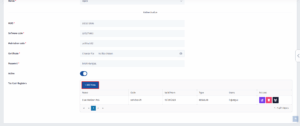
- Now scroll down until you find the Add New button and click on it.
-
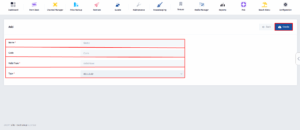
Fill in the required fields: Name, Code, Valid From, and Type. After entering the details, click Create to save the new cash register.