- Click on the PoS icon.

- On the dropdown, click on Purchases.

- Once you’re in this page, click on Add New.
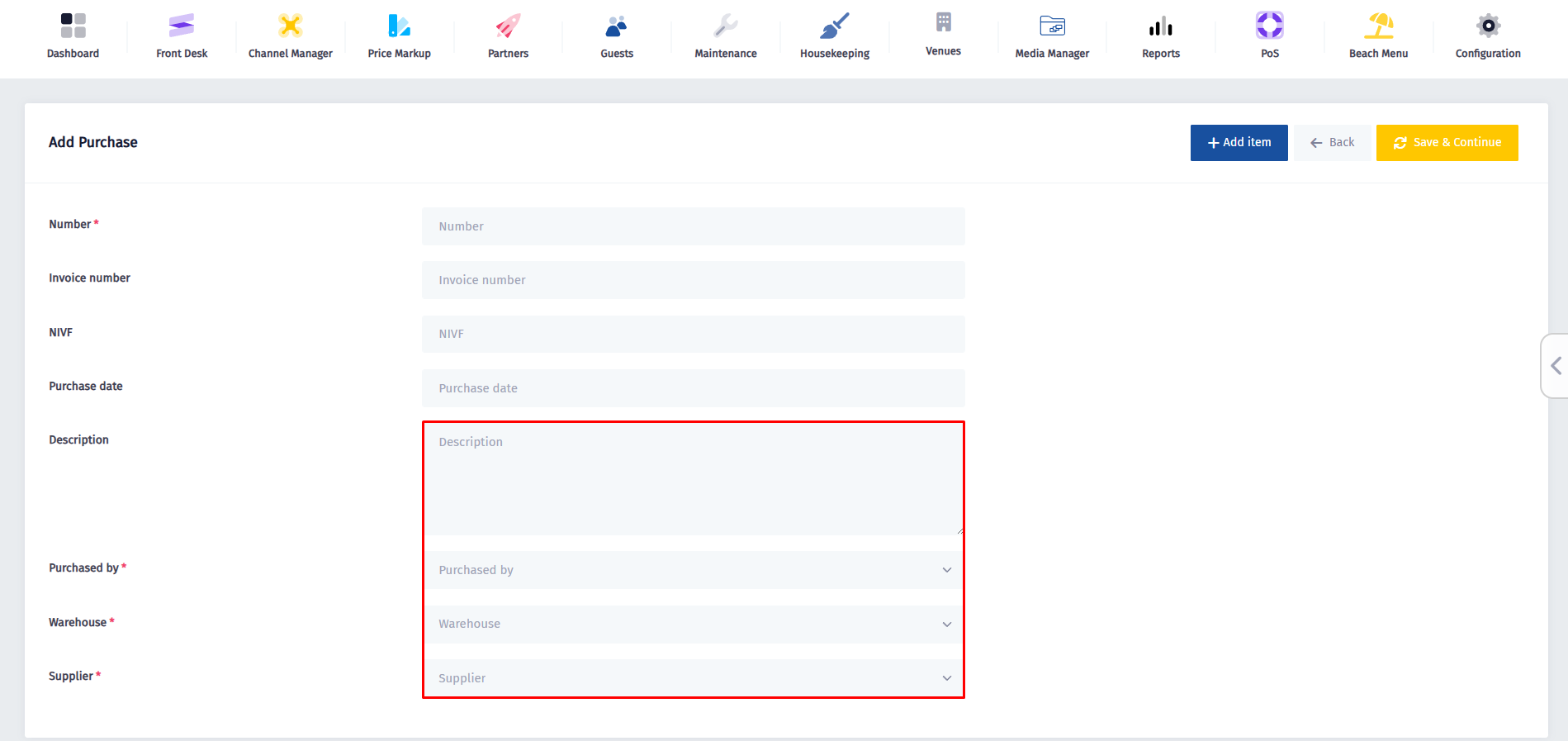
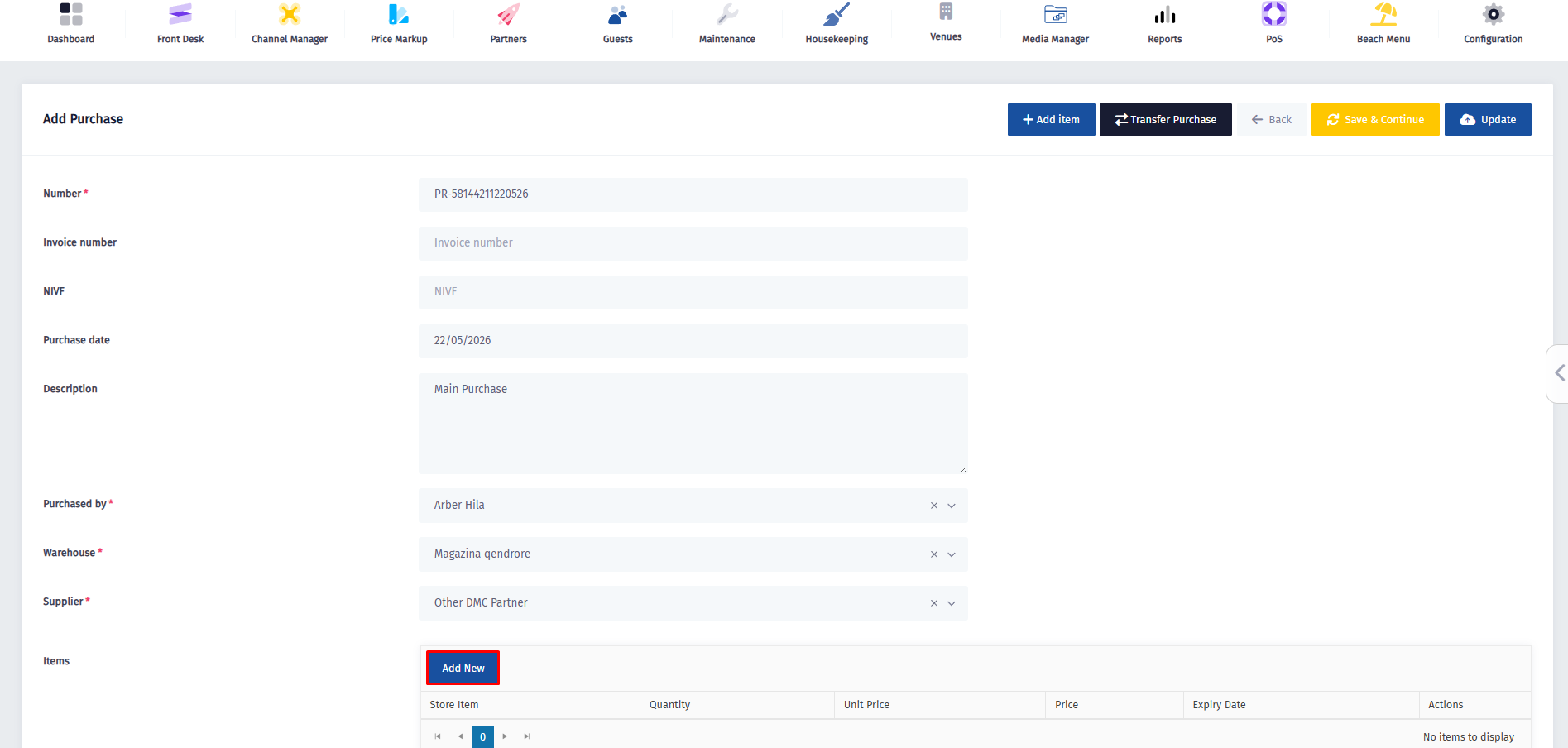
- Enter the purchase number and description, choose who made the purchase, select the warehouse and supplier.
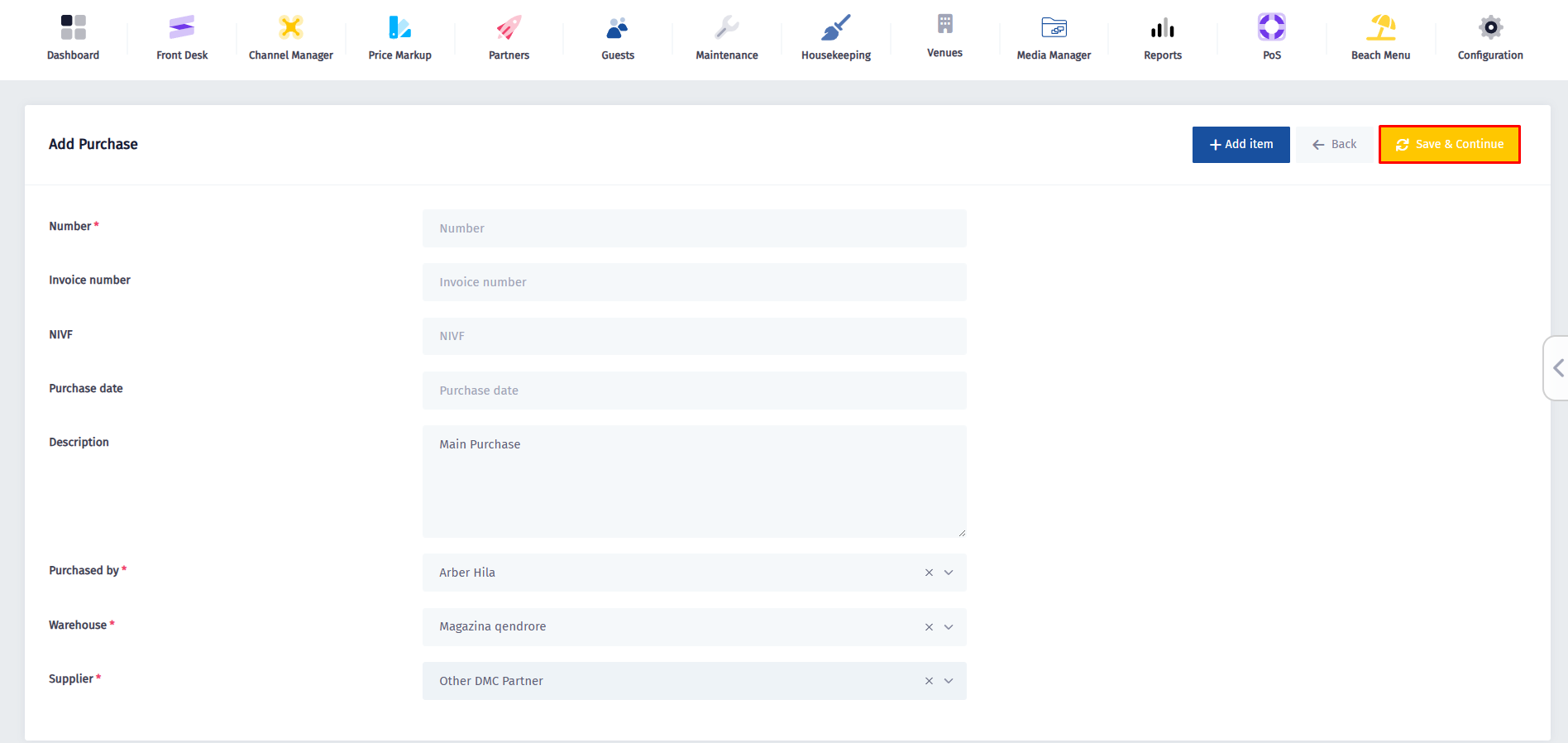
- Review the filled details, make sure the purchaser, warehouse, and supplier are correct, then press Save & Continue.
-
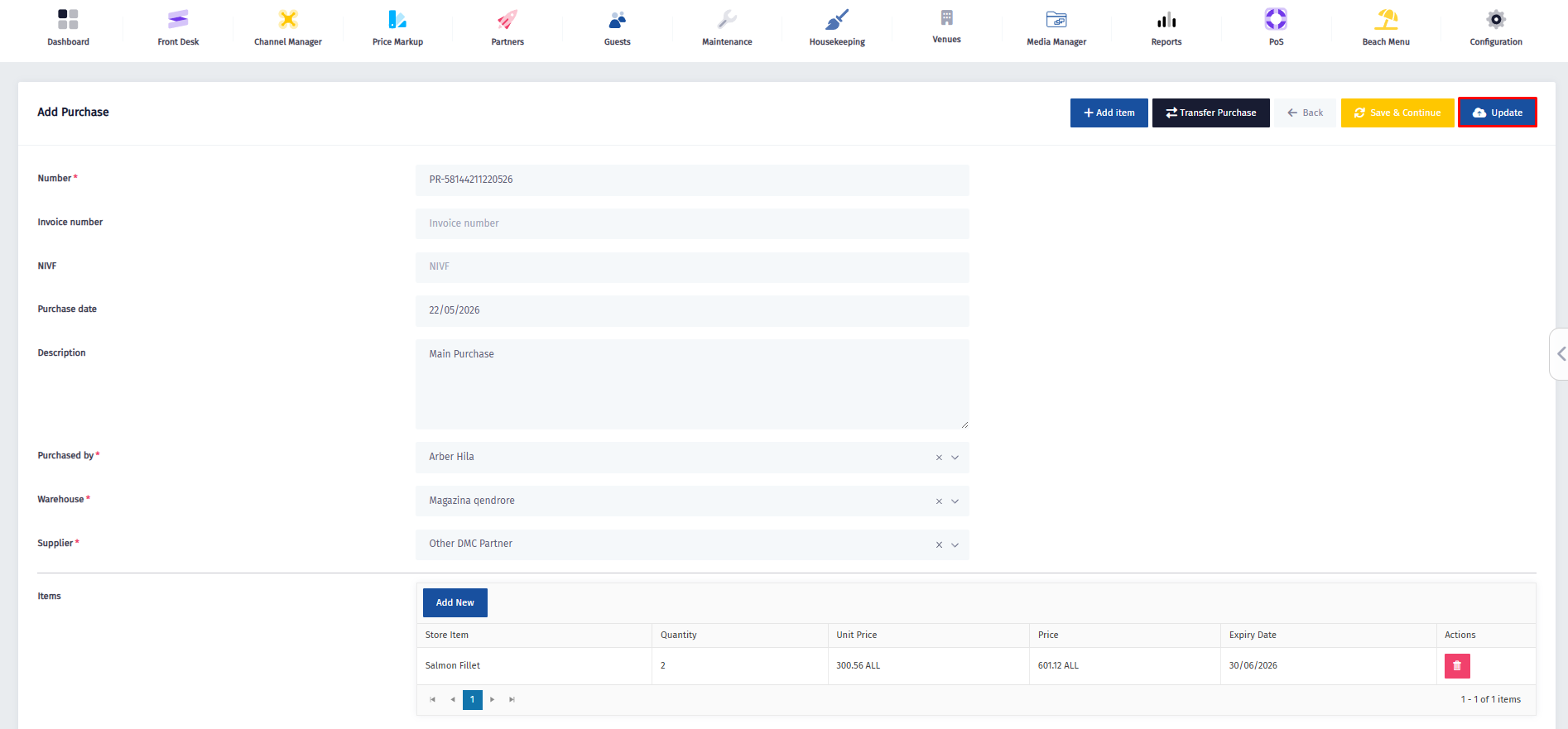
Scroll down to the Items section and click Add New to start adding products to this purchase.
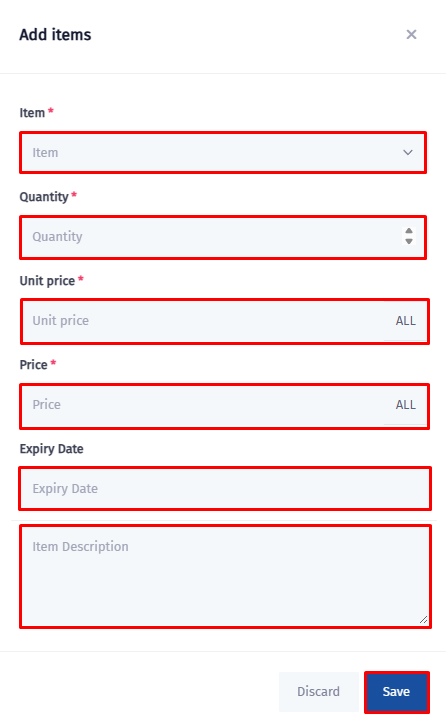
- Once this form pops up, fill in the Item details and click on Save.
- And for the last step, click on Update.